

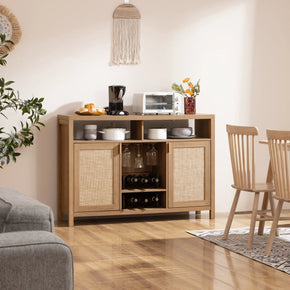


Types of Entertainment Centers: 11 Designs and How to Pick One
The main types of entertainment centers are TV stands and media consoles, wall units and floating units, corner units and built-ins.They also include floor-to-ceiling systems, modular sets, fireplace units, bookcase units, and bedroom media chests. Shops use those names loosely, and that is where the confusion starts.
This guide sorts out the vocabulary, then covers sizing, storage, styles, and the checks nobody prints on a product page. That includes the anti-tip rules from CPSC, because a television on the wrong piece of furniture is a real hazard.
What Is an Entertainment Center?
What Is the Definition of an Entertainment Center?
An entertainment center is furniture built to hold a television and organize the gear around it. The defining feature is screen support paired with storage for consoles, cables, and speakers. Everything else is a variation on that one idea.
Why Is It Called an Entertainment Center?
The name comes from the era of the big wooden cabinet that housed a television, a stereo, and a record collection in one place. It centralized home entertainment. The furniture changed shape completely, and the label stuck.
What Is an Entertainment Center Called?
You'llalso see the same category listed as a media center, media console, or TV console. You'll also see TV unit, TV stand, wall unit, and media wall. The terms overlap heavily. Size and storage volume separate them more than any strict definition does.
Entertainment Center vs TV Stand vs Media Console

Scale is the honest difference. A TV stand is the small one. A media console sits in the middle, longer and with more closed storage. An entertainment center is the full system, often with towers or a hutch attached.
No industry body settles these names. Retailers use them loosely and often interchangeably, which is why the same cabinet shows up under three labels on three sites.
This guide uses three working definitions. A TV stand is a low unit built to hold a screen, sometimes open, sometimes with doors. A media console is usually longer, with more enclosed storage. An entertainment center is the largest, often with side towers or a hutch.
Treat those as labels for this guide, not rules the industry follows. Plenty of pieces sit between two of them. Compare inches, storage, and how the back panel is cut, rather than trusting the name on the listing.
What Are the Different Types of Entertainment Centers?
Eleven formats cover almost everything sold today. Each one solves a different mix of room size, storage need, and installation effort.
1. TV Stand or TV Console

The simplest format. A low unit sized to sit under the screen, usually 50 to 70 inches wide, with a shelf or two and maybe a drawer.
Best for apartments, bedrooms, and small living rooms where a full wall system would swallow the space. It supports the screen and holds a little. Nothing more than that.
2. Media Console

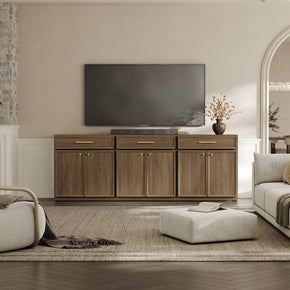
Longer and more storage-focused than a plain stand, often mixing open shelving with closed cabinets. A wood media console with adjustable shelves suits big screens without turning into a wall of furniture.
3. Wall Unit Entertainment Center

The classic large entertainment center. A central TV bay flanked by towers, cabinets, or a hutch above, sometimes spanning 80 inches or more.
Storage is the whole point. It needs a big room to look right, and it is heavy to move.
4. Floating or Wall-Mounted Entertainment Center

The unit attaches to the wall with nothing touching the floor. Rooms look bigger, vacuuming gets easier, and the whole thing reads as modern.
It also needs studs, hardware, and usually landlord permission. That rules it out for many renters.
5. Corner Entertainment Center

Built to sit in a corner, either with an angled back or an L-shaped footprint. Awkward rooms have too many doors and windows. Sometimes there is exactly one workable corner and no workable wall at all.
6. Built-In Media Wall

Constructed into the room itself, usually by a carpenter. Nothing else looks as finished. Nothing else is as permanent or as expensive, and you don't take it with you when you move.
7. Floor-to-Ceiling Entertainment Center

Vertical storage from baseboard to ceiling, with the screen set into the middle. It buys enormous capacity in rooms with a small footprint and tall walls.
Anchoring is not optional on these. A unit that tall with weight up high needs to be fixed to studs before anything goes on the shelves.
8. Modular Entertainment Center

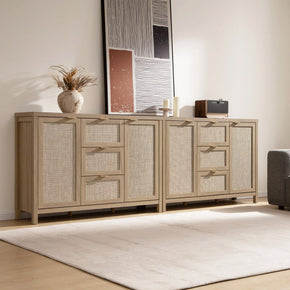
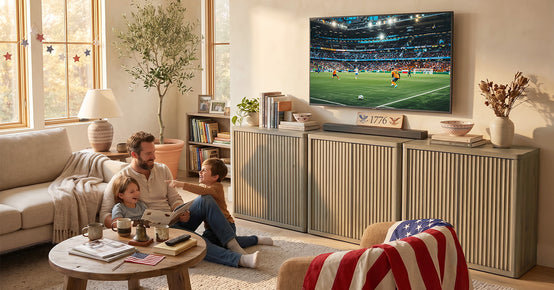
Separate pieces you arrange to suit the wall, then rearrange when you move. A modular TV stand set you can arrange in two or three parts covers a wide wall now and splits down for a smaller room later.
9. Entertainment Center With a Fireplace

An electric insert sits below the screen, adding warmth and a focal point: two jobs, one footprint. Check the heat clearance the manufacturer specifies and keep the TV far enough above the vent.
10. Entertainment Center With a Bookcase

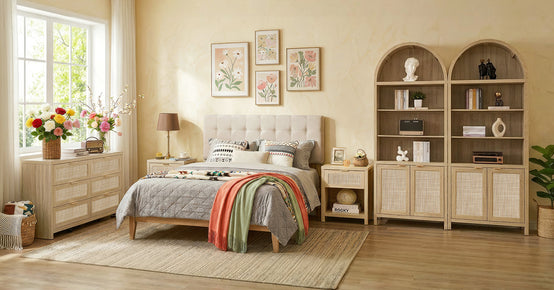
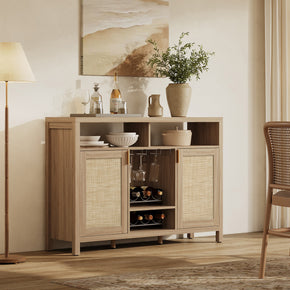
Shelving flanks the screen and takes books, baskets, and decor. A tall rattan bookcase with doors on one or both sides gives you the wall-unit look without buying one enormous piece.
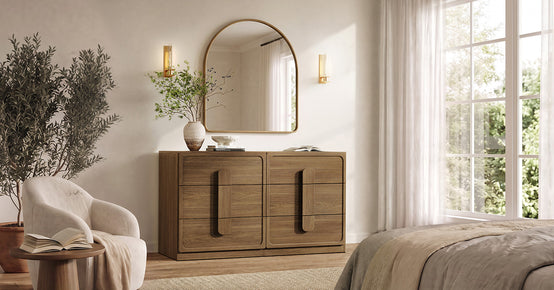
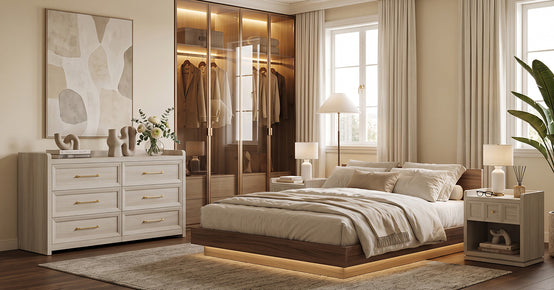
11. Bedroom Media Chests and Dresser TV Stands

Eye level from a bed sits higher than from a sofa. For that reason, a taller base makes sense in a bedroom. Height alone is not enough to make a piece safe under a TV.
Dressers and storage chests are built for folded clothes, not for a screen sitting on top. CPSC counts tens of thousands of emergency room visits each year from tip-overs, many involving TVs placed on furniture that was never meant to hold one.
Check the product manual before you use one this way. The numbers that matter are the top load rating, the depth measured against the TV foot span, and the fixing method the maker specifies. Skip the piece if the manual says nothing about all three.
A purpose-built media unit remains the safer default. Ifbedroom storage furniture is the plan anyway, anchor the piece and the TV separately, and follow both manufacturers' instructions.
Types of Entertainment Centers by Storage
Cabinets and Drawers

Closed storage hides the mess. Routers, consoles, remotes, spare cables, and controllers all disappear behind doors, and a four-door TV cabinet that keeps gear out of sight is the easiest way to make a media wall look calm.
Solid doors block infrared remotes. Look for glass fronts, mesh panels, or a rear cutout if your gear needs line of sight.
Open Shelving
Open compartments keep everything reachable. Airflow is usually better than in a closed cabinet, though open shelving doesn't guarantee it on its own.
Back panels still block intakes. A cable bundle behind the equipment does the same thing. Pushing the unit tight to a wall closes off the gap the manufacturer assumed you would leave.
Follow the clearances in each device manual, since the numbers differ between a receiver, a console, and a streaming box. Give each one its own shelf rather than stacking them. Check the temperature after a long session with everything running, not after ten quiet minutes.
Open shelves also show every bit of clutter, which suits tidy households and punishes the rest of us.
Adjustable Shelves
Fixed shelf heights age badly. A soundbar, a console and a streaming box all have different heights, and gear changes every few years. Adjustable pegs cost nothing and save the unit from becoming useless.
Cable Management
Look for pre-drilled cord holes and an open or partly open back. Without them, every cable has to route around the outside of the unit, which is exactly the look you were trying to avoid.
A rear channel wide enough for plugs matters more than the hole itself. Plug ends are bulky.
Types of Entertainment Centers by Style

Modern and Minimalist
Straight lines, flat fronts, handleless doors, neutral finishes. Storage stays hidden. These read cleanest in rooms with little other pattern.
Mid-Century Modern
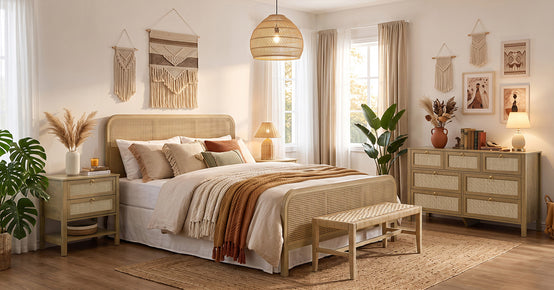
Warm wood, tapered legs, low profile, often a slatted or cane door front. The raised legs make a room feel less blocked, which helps in small spaces.
Rustic and Farmhouse
Distressed finishes, chunky proportions and sliding barn doors. The barn door detail is practical too, since it needs no swing clearance in a tight walkway.
Boho and Rattan
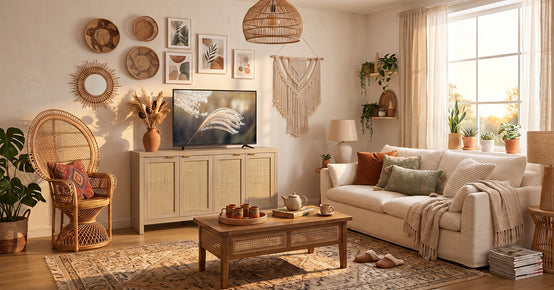
Woven cane panels, light oak tones, curved edges. Rattan fronts hide equipment and may let air and remote signals pass through, though how well depends on the piece.
Weave density decides most of it. A tight weave or a fabric lining behind the cane blocks more than an open one. Door frames narrow the gap further. Infrared remotes need something close to a clear line of sight, while Bluetooth and RF usually cope better.
Heat is the other half. Total opening area matters more than the look of the weave, and a console packed with a receiver and a console will run warmer than the photos suggest.
Test both before you commit. Point the remote through a closed door and see whether it works. Run the equipment for an hour and put a hand near the vents. An IR repeater solves the signal problem cheaply, and moving the hottest box to an open compartment solves the rest.
Scandinavian and Japandi
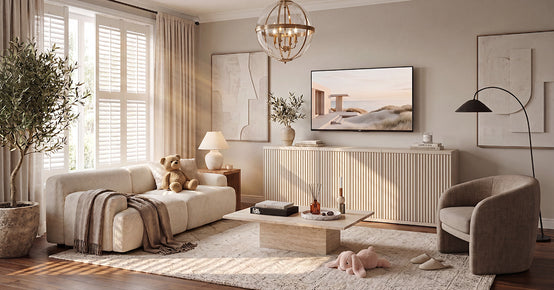
Pale woods, low horizontal lines, very little ornament. Both styles keep the unit visually quiet so the room does not feel dominated by a black rectangle.
Industrial and Traditional
Industrial mixes metal frames with wood and exposed hardware. Traditional goes the other way with heavier wood, molding, and enclosed cabinets. Pick whichever matches the rest of the room, not the TV.
How to Size an Entertainment Center
Match the Width to the TV
Screen sizes are diagonal measurements, not widths. A 65-inch TV measures roughly 57 inches across the panel. Reading the number as a width is where most console sizing goes wrong.
A console slightly wider than the TV looks balanced. Treat that as an aesthetic preference, not a rule. For a 65-inch set, something in the low to mid sixties usually reads right.
Safety runs on different numbers. Pull the spec sheet for your exact TV model and check the foot span, since feet sit near the panel edges on many sets and can overhang a narrow top.
Depth and load matter too. The top surface needs to hold the full base, not most of it. Check the rated weight capacity against the TV weight, and anchor the unit to the numbers.
Check the Foot Span, Not Just the Width

This is the trap nobody warns about. Many large TVs have feet set near the outer edges rather than a central pedestal, so a screen can be narrower than your console and still overhang the top.
Measure outside edge to outside edge of the feet. Compare that number to the usable top surface, not the total width including any side towers.
Height, Depth and Soundbar Clearance
Aim for the middle of the screen near eye level when seated, which usually puts the top surface somewhere around 24 to 30 inches from the floor in a living room.
Standard depth runs 15 to 18 inches. Check that against your walkway before ordering. If a soundbar sits in front of the screen, make sure it will not block the bottom edge or the infrared sensor.
The Safety Checks Missing From Most Buying Guides
Every competitor guide on this topic covers styles and skips this part. It matters more than the finish you choose.
Anchor the Unit and the Screen

Televisions and top-heavy furniture tip over. CPSC has runa national campaign on anchoring furniture and TVs since 2015.
A federal stability standard took effect in September 2023. It covers clothing storage units only. Dressers, chests, and armoires fall within that scope. TV stands, media consoles, and entertainment centers do not.
This rule explains why drawer cabinets tip, nothing more. It is not evidence that you tested a media unit for stability. Check the manufacturer instructions for the TV stand and the TV, since both usually ship with their own anchoring hardware and weight limits.
Anchor tall units to a stud. Anchor the TV separately, even when it sits on a stand rather than a wall mount. When anchoring is not possible, CPSC advises a low, sturdy base, the TV pushed back as far as it goes, and cords kept out of reach.
Check Weight Capacity Against Your Actual TV
Product listings state a maximum top load. Compare it to the real weight of your screen with its stand attached, then add the soundbar and anything else living on that surface.
Confirm the VESA Pattern Before Buying a Floating Unit
Wall-mounted televisions use the VESA Flat Display Mounting Interface, a standard set of screw hole patterns on the back of the screen. Check your pattern and the mount rating before committing to a floating setup.
Leave Air Space and Watch the Power Strip
Electronics in a sealed cabinet run hot. Ventilation is the fix. Look for open backs, vent holes, or a rear cutout, so heat has somewhere to go.
The strip behind the console deserves attention too. Fire authorities advise against daisy-chaining power strips and against running cords under rugs, and residential electrical fires still run into the tens of thousands a year.
Which Type of Entertainment Center Suits Your Room?

Small living room: a floating console, a corner unit or a compact media console. Large room: a wall unit, a long console or a floor-to-ceiling system.
Maximum storage points to built-ins and bookcase systems. Minimalist rooms want floating or low-profile units. Rooms that change often want modular pieces, and browsing a living room furniture range by footprint rather than by look narrows it fast.
Best for Renters
Freestanding wins here. Floating units need studs and drill holes, and built-ins are out of the question in a rental. A modular set with a strap anchor covers the same ground without permanently changing the wall.
Common Buying Mistakes
Buying the console before the TV. Ignoring the stated weight limit. Forgetting cable access and airflow entirely. Blocking an outlet, a radiator, or the main walkway through the room.
Buying storage you don't need is another. Count what actually has to live in there before paying for eight cabinets. Most households own four things and a remote.
Final Thoughts
The right unit comes down to three numbers and one habit. Wall width, TV width including the feet, and seated eye height. The habit is how tidy you are, which decides open shelves against closed doors.
Once those are settled,choosing a style is easy.
FAQs
What are the different types of entertainment centers?
- TV stands, media consoles, wall units, floating units, corner units and built-in media walls.
- Floor-to-ceiling systems, modular sets, fireplace units, bookcase units and bedroom media chests round out the list.
What are the different types of TV units?
- By installation: freestanding, wall-mounted, corner and built-in.
- By function: storage consoles, bookcase units, fireplace units, modular sets and multi-purpose units with a desk or bar.
What is an entertainment center called?
Media center, media console, TV console, TV unit, TV stand, wall unit, and media wall all describe the same family of furniture. Retailers use them loosely, so read the dimensions rather than trusting the label.
What is the ideal size for an entertainment center?
A slightly wider-than-the-television unit is the usual starting point, with a top surface long enough to clear the TV feet. Past that, it comes down to wall width, walking clearance, and storage needs.
Why is it called an entertainment center?
The original units gathered a television, a stereo, and a media collection into one cabinet, making them the center of home entertainment. Equipment shrank and furniture changed, but the name stuck.
What are the key features of an entertainment center?
A top surface rated for the weight of your screen and storage that matches what you own. Then cable openings, airflow around the electronics, and construction stable enough to anchor to a wall.
What is the difference between a media console and a TV stand?
A TV stand is usually smaller and simpler, built mainly to hold the screen. A media console is usually longer and has more enclosed storage. The line between them is blurry and varies by retailer.
Sources
- U.S. Consumer Product Safety Commission – Anchor It! Furniture and TV Tip-Over Prevention
- U.S. Consumer Product Safety Commission – Anchor It! Campaign to Prevent Furniture and TV Tip-Over Deaths and Injuries
- U.S. Consumer Product Safety Commission – Final Safety Standard to Prevent Tip-overs of Dressers and Other Clothing Storage Units
- VESA – Flat Display Mounting Interface Standard
- U.S. Fire Administration – Appliance and Electrical Fire Safety
- National Fire Protection Association – Electrical Fire Safety and Relocatable Power Taps


Looking for something else?
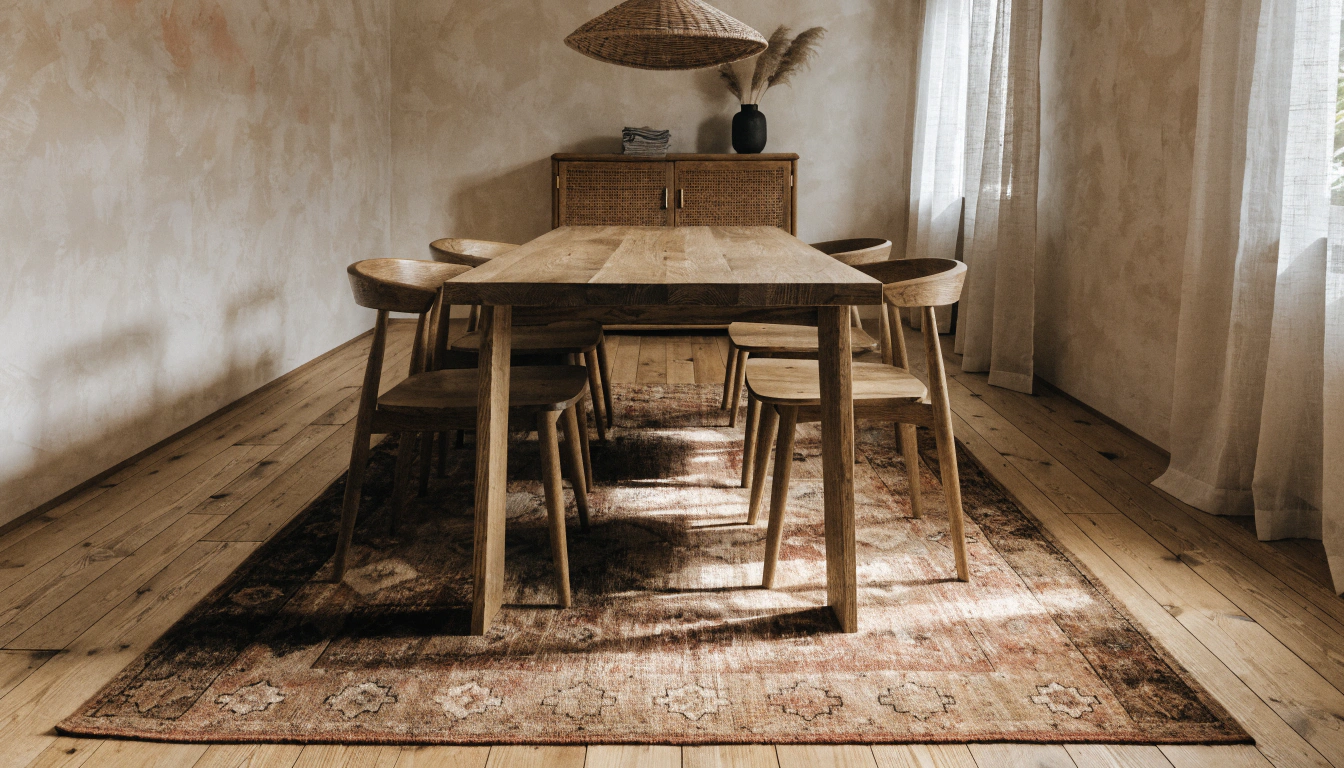
How to Choose the Perfect Rug for Your Dining Room (Size, Shape, and Placement Under the Table)
LEARN MORE
A Guide to the Best Luxury Bath Towels: GSM, Cotton Types, and How to Choose Hotel-Quality Towels
LEARN MORE
How to Put on a Sofa Slipcover: A Simple Step-by-Step Guide to Sofa and Couch Slipcovers
LEARN MORE
HowChoose the Right Entryway Rug: Entryway Rug Size, Material, and Foyer Placement Guide
LEARN MORELooking for something else?
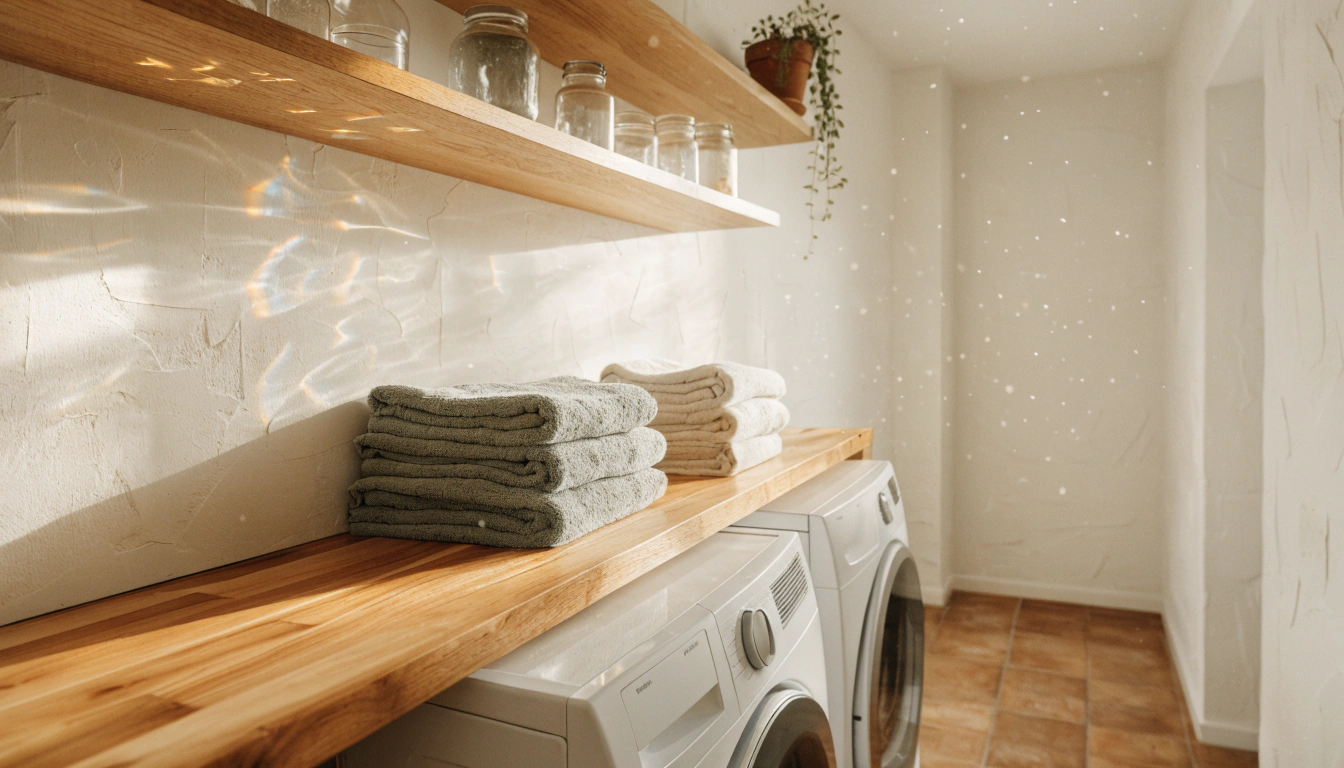
How to Remodel and Organize Your Laundry Room: Laundry Room Layout, Storage, and Organization Ideas
LEARN MORE
Melamine vs. Ceramic Outdoor Dinnerware: A Practical Comparison Guide
LEARN MORE
Smart Solutions: Fabric Pilling on Sofas, Clothes, and More
LEARN MORE


Further reading
Curved Furniture: How to Style, Measure, and Buy It in 2026

Curio Cabinet Decor Ideas: How to Style a Display Cabinet Without the Clutter


